Visual installer editing
Edit installer structures and properties visually while keeping the generated WiX XML visible and understandable.

VISUAL INSTALLER BUILDER
WixPie Online provides a visual way to create and maintain WiX Toolset projects using templates and live XML generation.
Built for real installer work
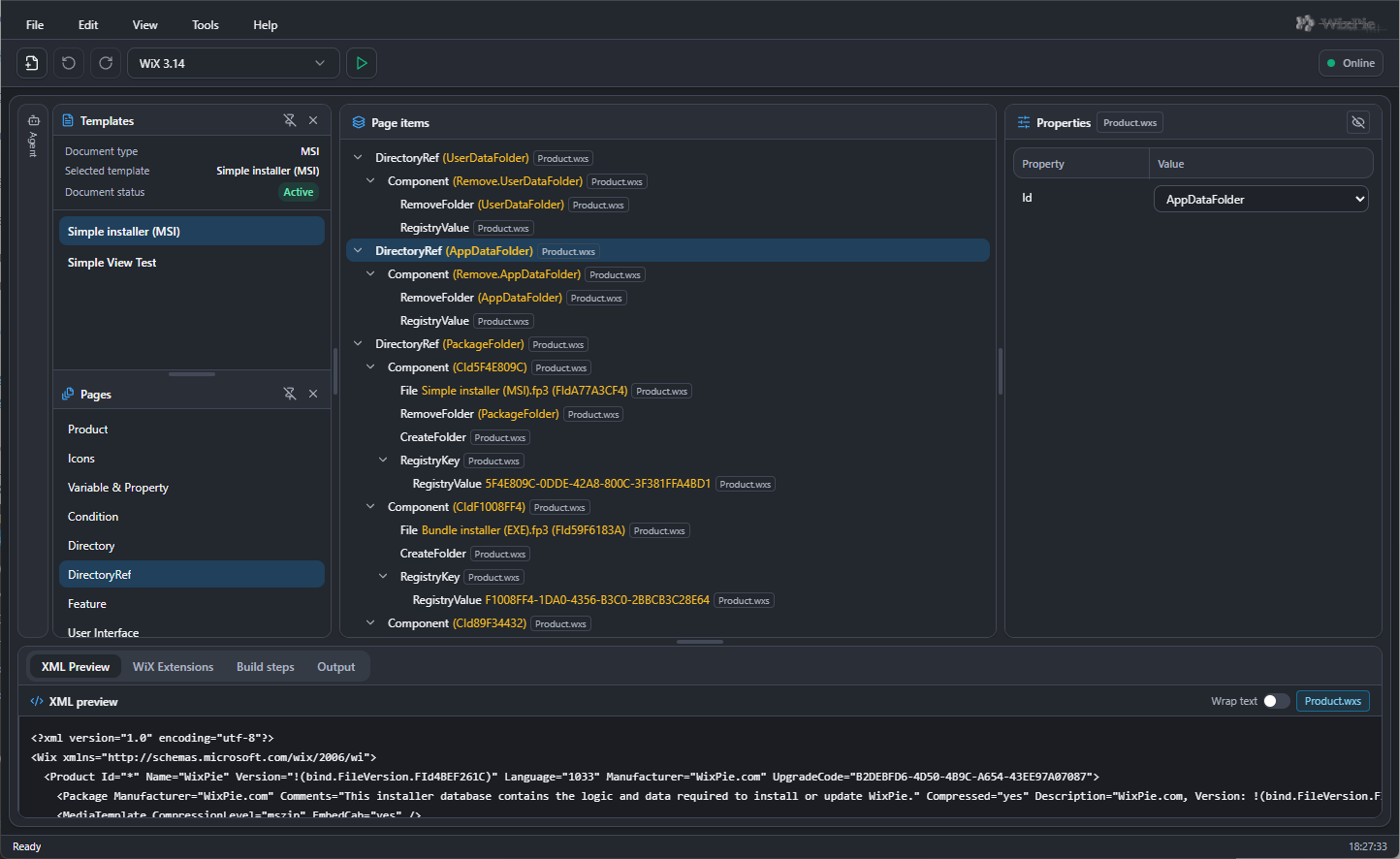
Edit installer structures and properties visually while keeping the generated WiX XML visible and understandable.
Use reusable templates and contextual tasks designed specifically for common WiX authoring workflows.
See formatted WiX XML update as you work, so the visual model and generated output always stay connected.
Open and update selected project files through explicitly authorised local companion tools.
Reuse proven installer patterns across projects instead of rebuilding the same directories, components and features.
No advertising, behavioural tracking, Google Analytics or unnecessary third-party client scripts.
See WixPie in action
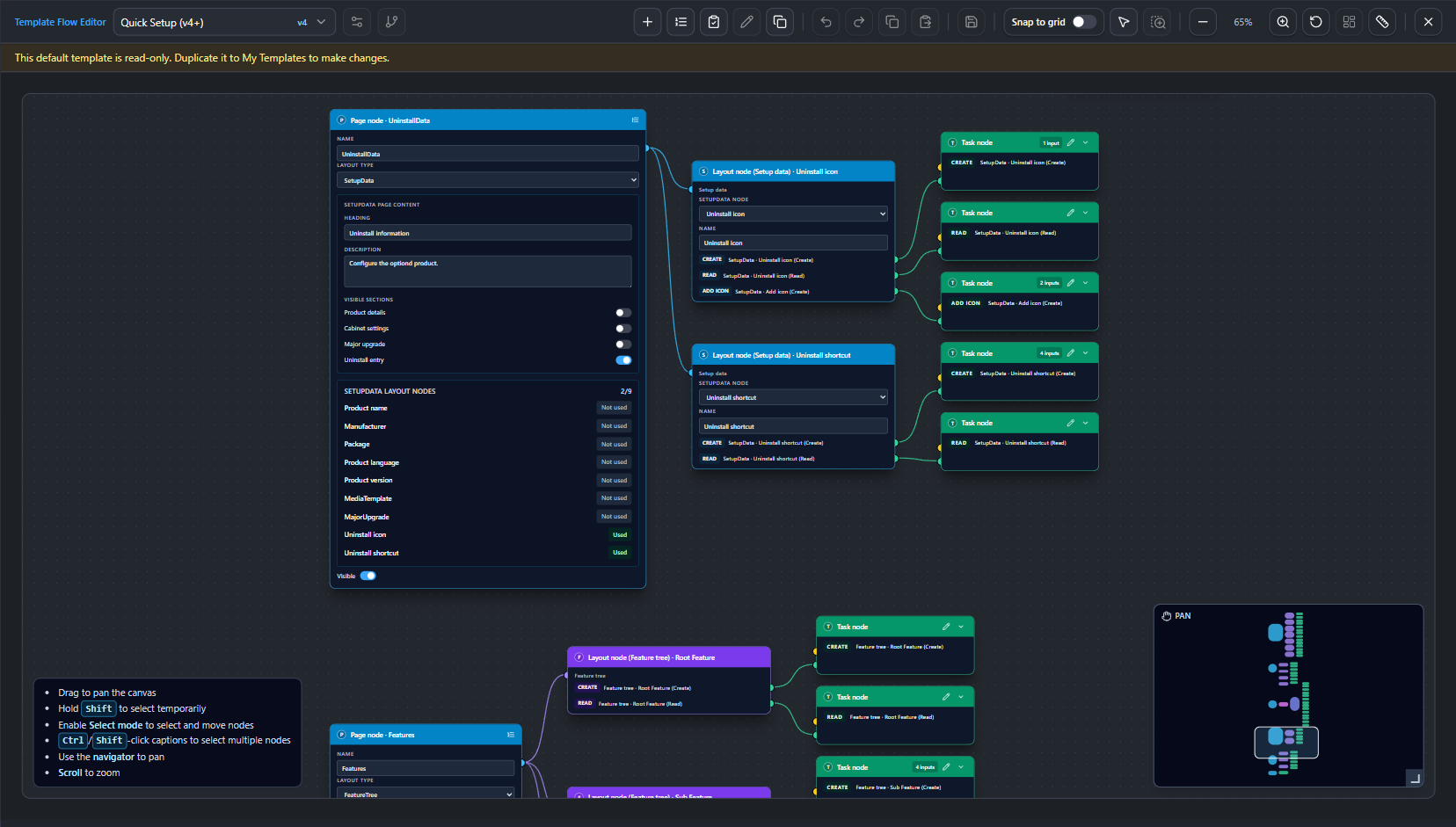
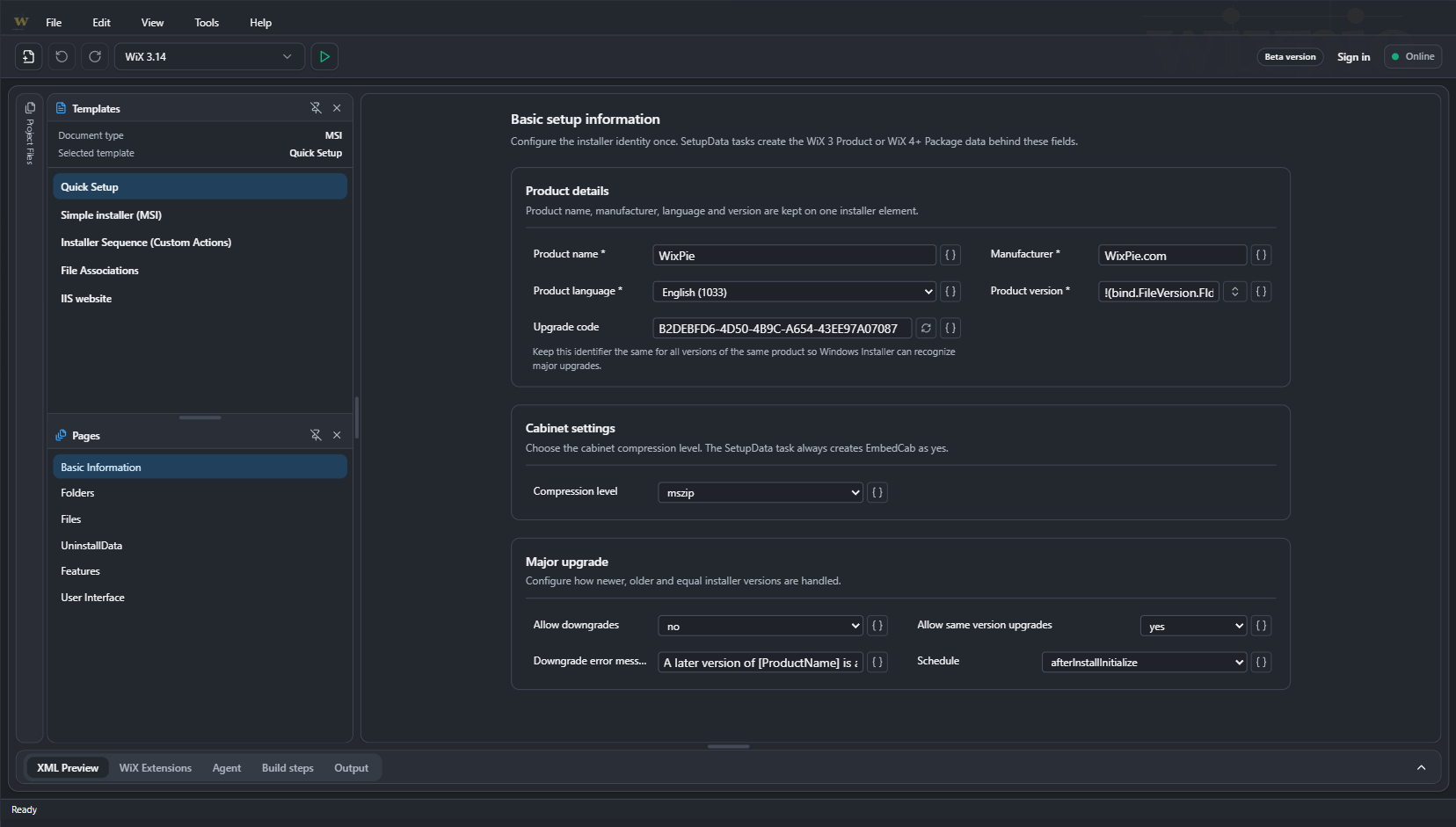
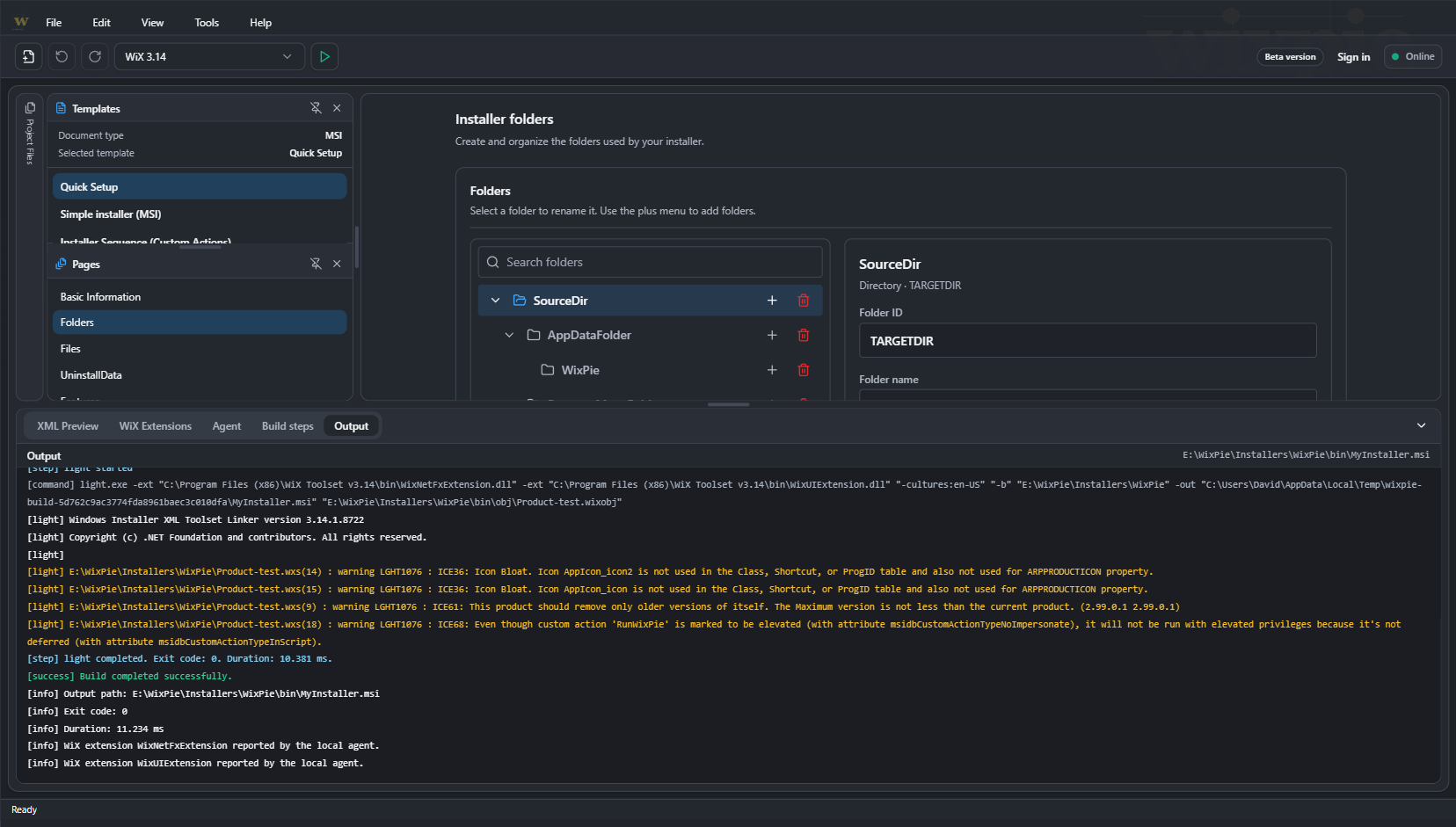
Explore the visual editor and the Template Flow Editor that keep installer structure, reusable tasks and generated WiX XML connected.
Navigate installer pages, inspect elements and review the generated XML in one connected workspace.
First showcase item
Workflow
WixPie keeps configuration, templates and generated output in one connected workflow.
Set up local integrationCreate a new installer project or open an existing one.
Switch templates at any time to focus the editor on the installer options relevant to your current task.
Add and configure installer elements.
Review the generated WiX XML.
Use the WixPie Local Agent for local file operations and builds.
Connected components
Each component has a focused role, with the public website remaining separate from the editor itself.
The browser-based visual workspace for navigating projects, editing properties and reviewing WiX XML.
A companion application that provides explicitly authorised access to local project operations.
The browser bridge that helps WixPie Online communicate with the local companion securely.
Tools for building reusable pages, inputs, tasks and WiX-aware structures for repeatable workflows.
Ready to explore?
Work with WixPie Online in your browser, then add local integration when your workflow needs it.